Launch: ClearLessons
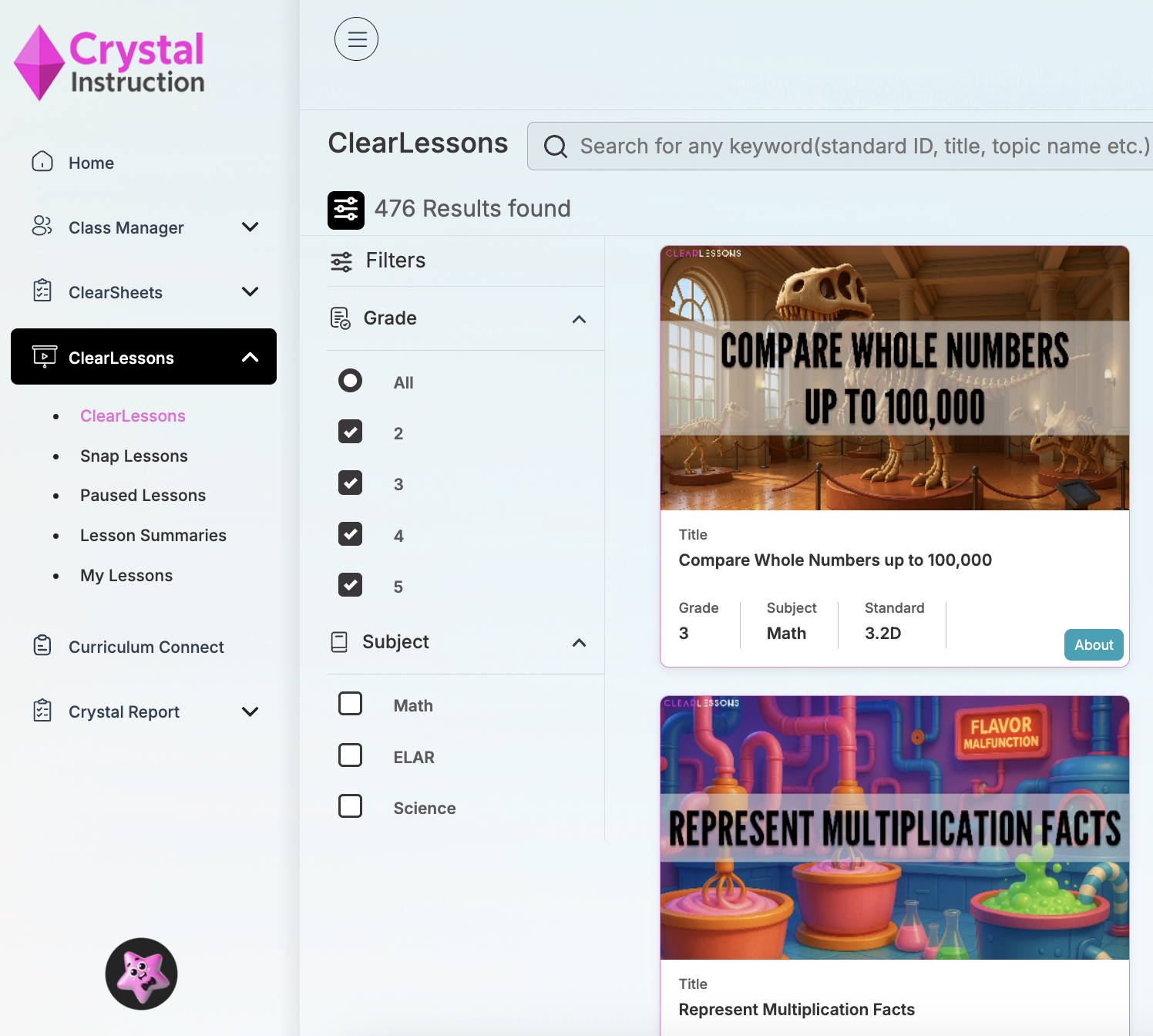
Launch your first ClearLesson in seconds.
Launching…
Use the filters to sort by grade and subject, or use the search bar to find a particular skill or standard.
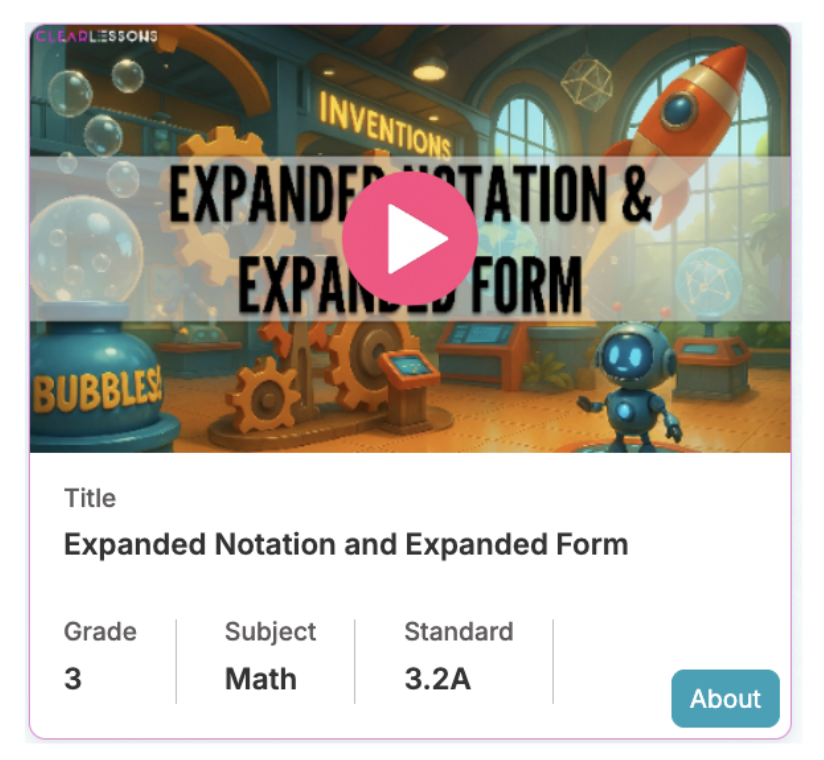
Make Your Selection
Once you find the ClearLesson you want to teach, hover over the image and click the “Play” button.
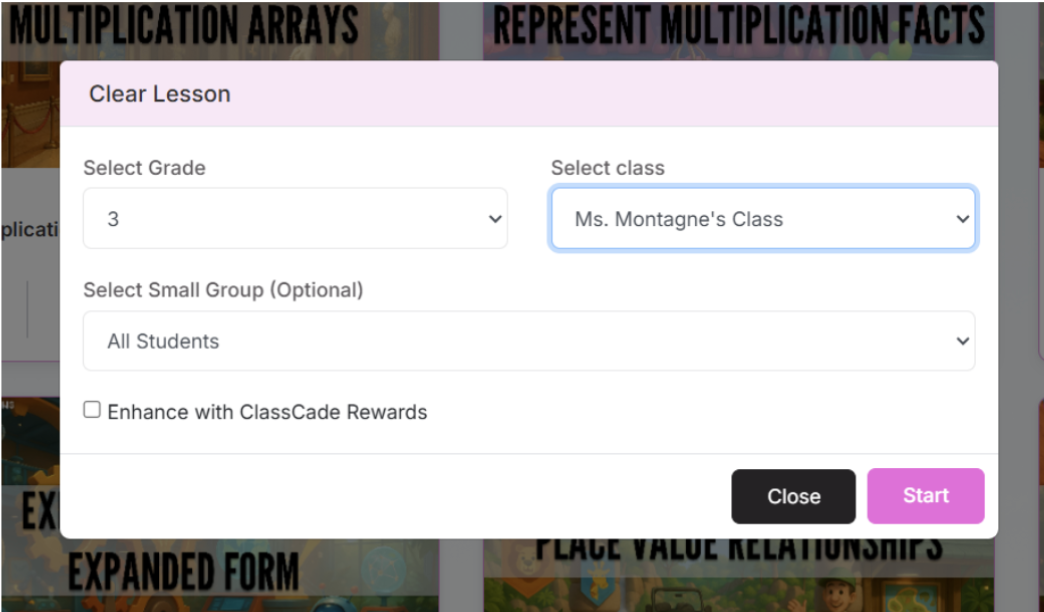
Select the grade and class
Optional: Select a small group IF you’ve already created your groups
Enhance with ClassCade to make the lesson more engaging!
Press Start
Set Up the Lesson and Give Students Access
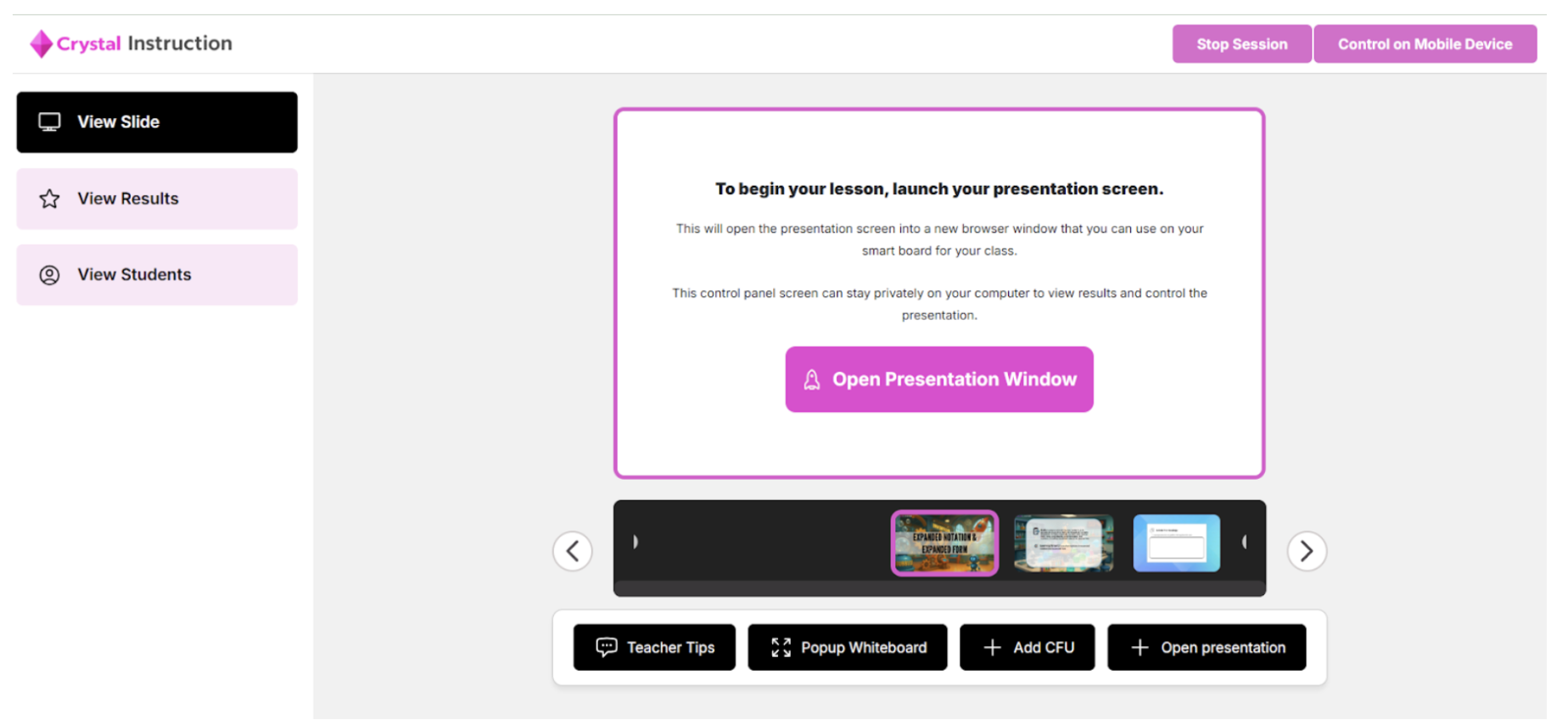
Open the Presentation Window to begin the lesson.
Move the presentation window to your SmartBoard or white board with a projector.
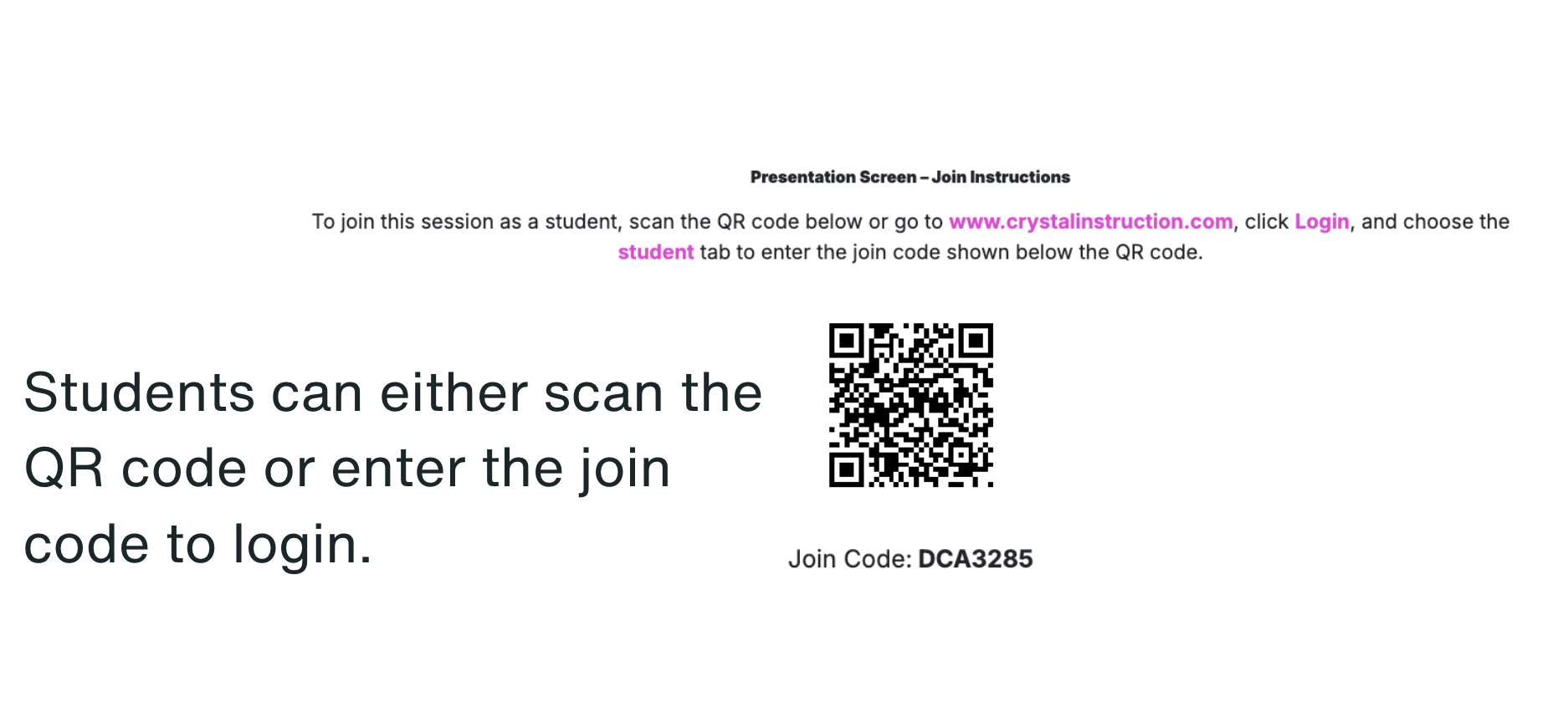
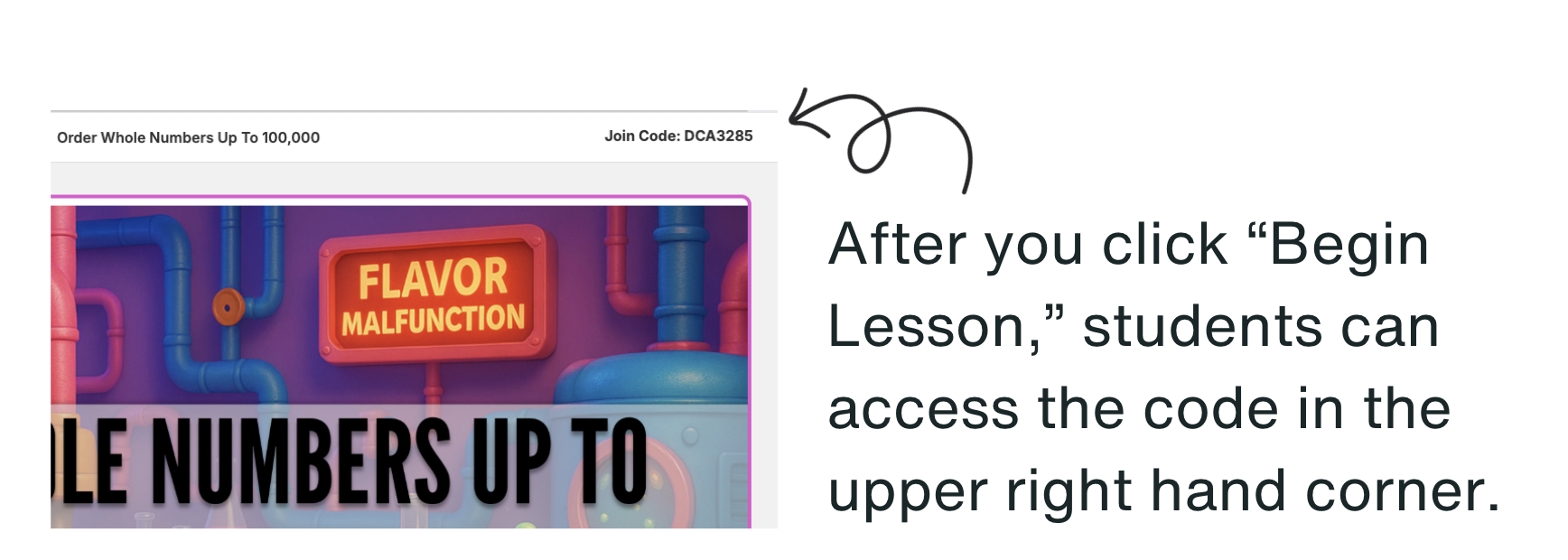
Presto Magnifico! You are ready to go!